CLOUD BACKUP THAT FEELS LOCAL
Your shoots stay fast on your PC.
While you edit, files stay on the computer. When the job is done, one click archives them and frees space — without wiping the cloud copy. Accidental deletes on disk are recoverable.
HOW IT WORKS
Four simple moves.
A drive on your PC, archive when you wrap, see that you’re connected, and recover if you delete by mistake. Need a copy for a colleague? Duplicate into your own space without touching the original.
STEP 01
A real drive on your PC
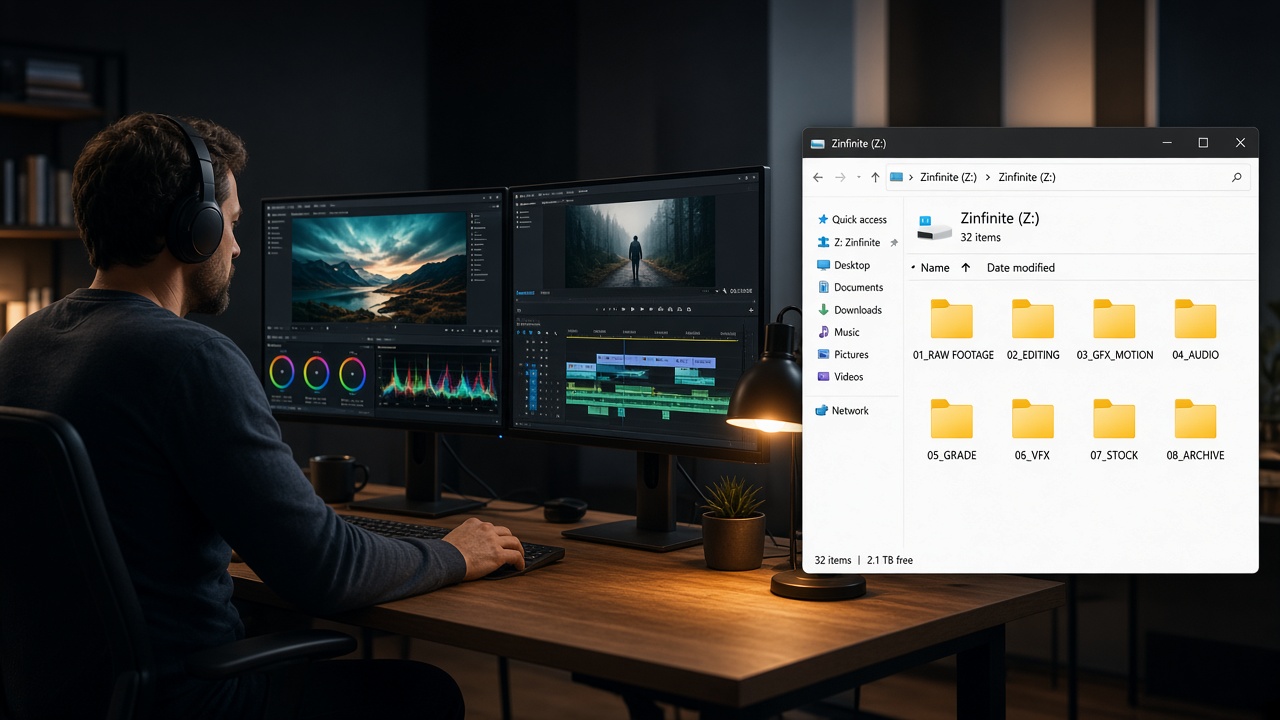
After a short setup, Windows shows a normal drive for your projects — open folders the way you already do.
- ·Looks and feels like an external drive in Explorer
- ·Projects you are working on stay on the computer for speed
- ·Offline? Files already on the computer still open
WORKS WITH
Opens in the apps you already use
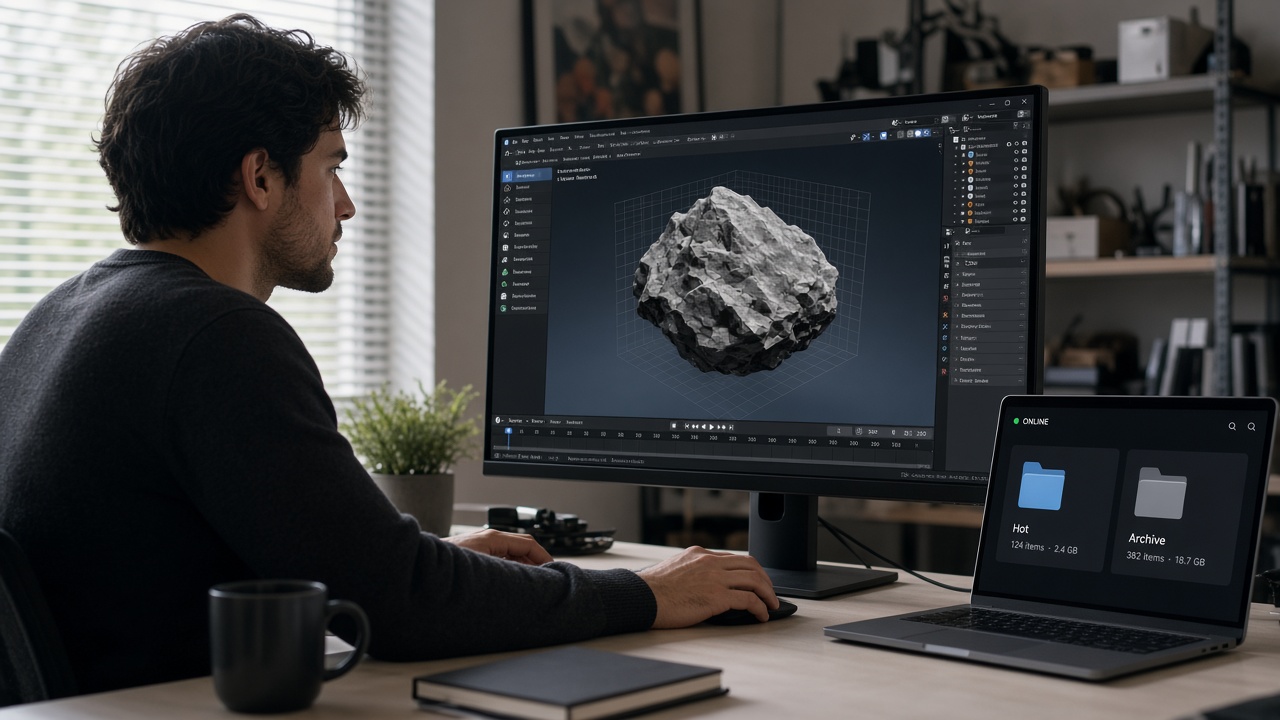
Zinfinite is a normal Windows drive. Premiere, DaVinci, Blender, Cinema 4D, Nuke, After Effects — open project folders from Z: the same way you would from any local disk. No special plugin required.

More detail in Help → Works with your apps.
WHY IT MATTERS
Your disk fills up. Your archive doesn’t have to live there.
Keep what you’re editing on the computer. Move finished jobs to the archive and reclaim space — the cloud copy stays.
03 / SETUP
Start on the drive you already own
No new hardware. In about a minute Windows gets a normal drive for your projects — like an external SSD. Then choose how much “on computer” vs “archive” space you need.
Any internal or fast external SSD works. From Studio, download the Windows setup file — that opens a short guide and starts the install. In about a minute you get a normal drive for your projects.
- Works with your existing internal or external SSD
- Activation in under 60 seconds
- 7-day free trial included
IN THE ROOM
Your vault, where the work actually happens
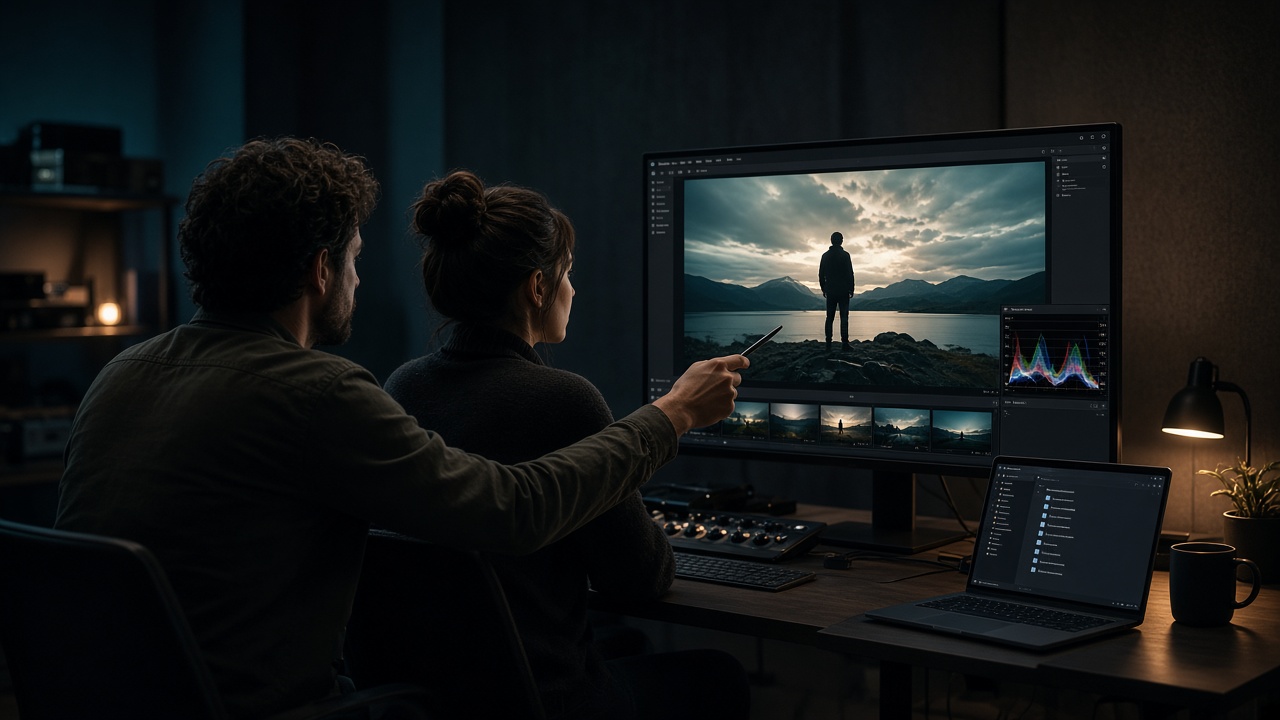
Premiere timelines, 3D sessions, grading suites — Zinfinite shows up as a normal Windows drive so the tools you already trust keep working at full speed.
04 / PRICING
Choose your cloud pool
Snap a Starter / Pro / Studio option, or fine-tune Hot and Cold below. Hardware is optional — this is the software plan.
Quick options
Snap the Hot / Cold sliders — or keep editing them below.
Pro
Most Popular8 TB Cloud Pool · 3 seats
- Virtual Z:\ drive mount
- TLS + AES-256 encryption at rest
- 3 seats
- Real-time background sync daemon
- Priority cloud bandwidth
Pay now unlocks your full Hot/Cold quota immediately. Or start a 7-day free trial on shared test storage first — your card is charged when the trial ends unless you cancel. Cancel anytime. No hardware required.
Tick the Terms & Privacy box above, then click Pay now.
OPTIONAL · HARDWARE
Field Cache
Pocket NVMe for Hot cuts. An ESP radio for locate, browse, and kill switch. Same Z:\\ software as your own SSD — cable when you edit, untethered when you don’t.
Early waitlist price for a purpose-built field brick — not a bare enclosure. Expected retail later ~€549–€599.
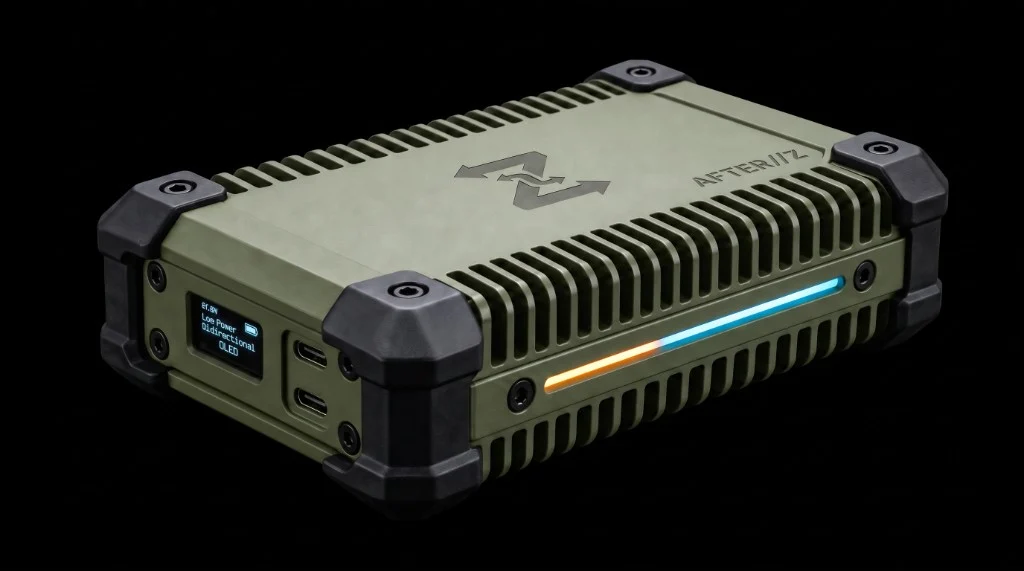
CABLE FOR SPEED · RADIO FOR CONTROL
Plug in to cut at SSD speed. Untether to find it, browse Hot folders, or lock the bus the second a stranger docks.

120 × 78 × 34 mm · USB‑C / USB4 end · LED rail · OLED face
TAP OLED / PORTS / SET FOR DETAIL
ESP · UNTETHERED
What the radio is for
Storage is the NVMe. Policy is the ESP — presence, place, and permission while the brick lives in a bag.
Browse untethered
Hot index on your phone — no cable required for triage.
Phone as key
Presence, LED, soft lock — even with zero set Wi‑Fi.
Last known pin
Each heartbeat stamps place + time in Studio.
Dock = checkpoint
Approve from phone or PIN before the host sees a volume.
Panic, with consent
Arm once. Cloud vault stays; the brick can go blank.
Command on lock screen
Hot/Cold toggles and telemetry without opening a laptop.
Next USB plug-in: host sees a locked volume until your phone taps Allow — or the OLED PIN clears. Deny, and the brick can refuse the bus, chirp, stamp location, and arm wipe for the next check-in.
FOUNDING PRE-ORDER · Q1 2027
Field Cache Pod — ~€499
Join the waitlist for early allocation. You start software today on any SSD; the Pod is the optional brick when you want locate, kill switch, and set-ready NVMe in one body.
05 / COMPARE
How Zinfinite compares
Built for pipelines where syncing everything everywhere — or babysitting a NAS — gets in the way.
Needs full download of archived jobs
Local-drive experience
Client-side encryption
EU-only storage
Hardware cost
Maintenance
| Feature | Zinfinite | Dropbox / Google Drive | On-prem NAS |
|---|---|---|---|
| Needs full download of archived jobs | No — Cold archive stays off disk | Often yes — unless selective sync is on | Remote access requires VPN / sync |
| Local-drive experience | Dedicated Z:\ drive on SSD | Sync folder / virtual drive | SMB mapped network drive |
| Client-side encryption | Planned — TLS + at-rest today | Varies by provider | Self-managed |
| EU-only storage | Cloudflare R2 — EU region selectable | Plan-dependent | On-site at your studio |
| Hardware cost | €0 (use your own SSD) | €0 | Typically €500–€2,000+ |
| Maintenance | Zero | Low | RAID, drives, off-site backups |
06 / SECURITY
Your files stay yours.
Built for NDA-bound productions — same Safe Delete truth as the Field Cache telemetry.
Encrypted upload to object storage
Files travel over TLS directly to Cloudflare R2 object storage with encryption at rest, keeping local copies safely backed up even after local deletion.
Encrypted in transit & at rest
All uploads and downloads travel over TLS and are stored encrypted on object storage. Client-side encryption is on the roadmap.
EU storage infrastructure
Hosted on Cloudflare cloud storage. Europe-capable regions available for new vaults.
Privacy Policy & GDPR rights
Clear Privacy Policy and Terms from obrt Syndicate. VAT invoices via Stripe. Ask us about a DPA for your studio.
Protected against local deletes
Deleting a project on your workstation never removes it from your cloud vault unless you confirm deletion in the web dashboard.
07 / FAQ
Frequently asked questions
FINAL / MOUNT
Ready for a drive that feels local — with a cloud safety net?
Keep active cuts fast on your computer, archive wrapped shoots in one click, and recover from accidental deletes without drama.